RondoMap now has AI: describe a task or a session and get it ready to edit
By Marco Baleato · · About the author
RondoMap now has two AI tools built in. In the task creator, you describe a task in your own words and the AI draws the diagram and fills in the whole sheet. In the session planner, you describe your group and what you want to work on, and the AI builds the session with tasks from the library.
In both cases the result opens in the usual editor, so you have the last word: you move a player, change the minutes or rewrite a coaching point, and then save it to your account, print it or share it.
Accounts are not open to everyone yet: I create them by hand. If you want to try the AI with your own team, write to me and I will set you up with a trial account. How to ask for one is at the end of this post.
Create a task with AI
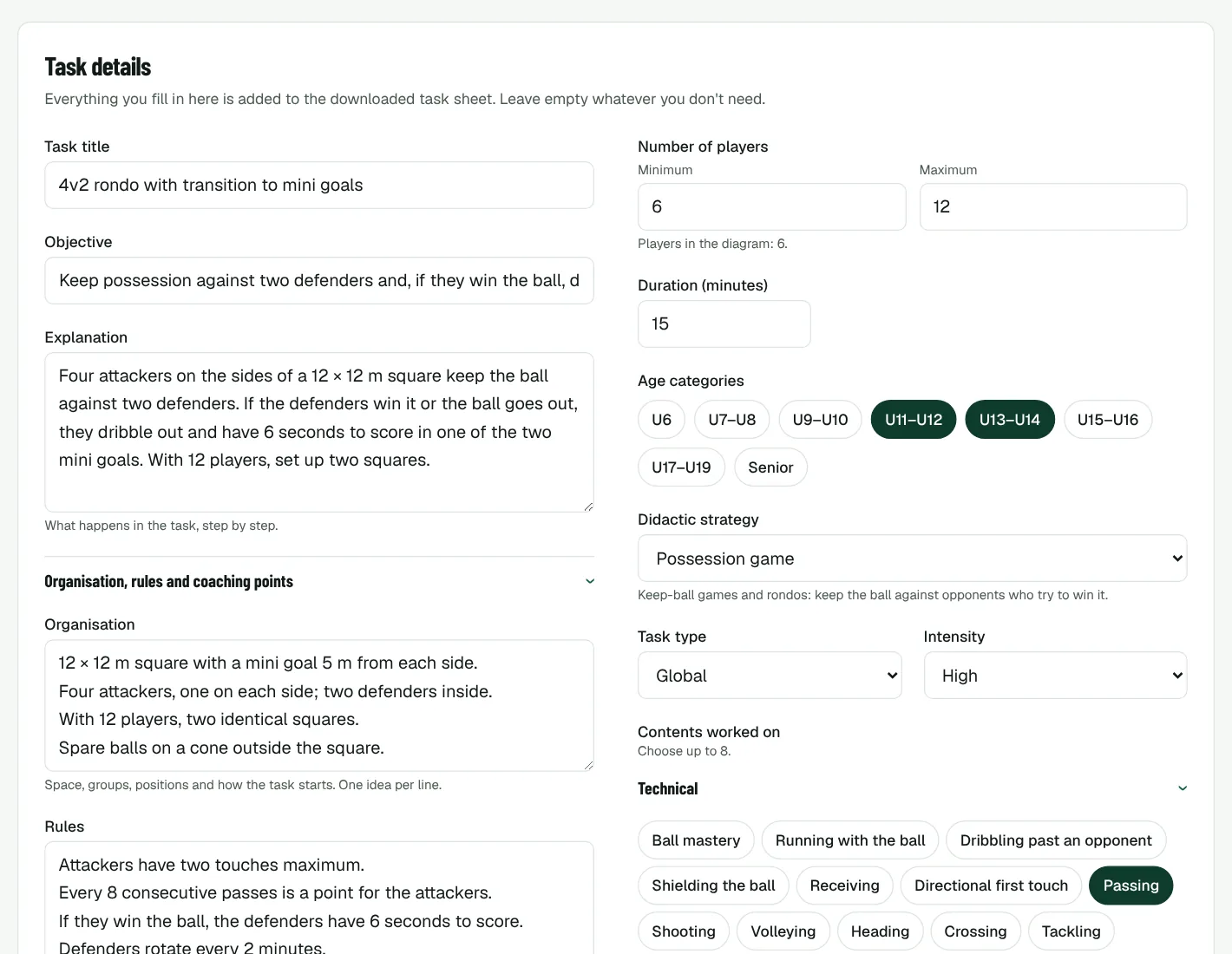
Open the task creator and, in the Create with AI box, write the task as you would explain it to an assistant coach. For example: "4v2 rondo for U11s in a 12 × 12 m square; if the defenders win the ball, they dribble out and try to score in one of two mini goals. 12 players, 15 minutes."
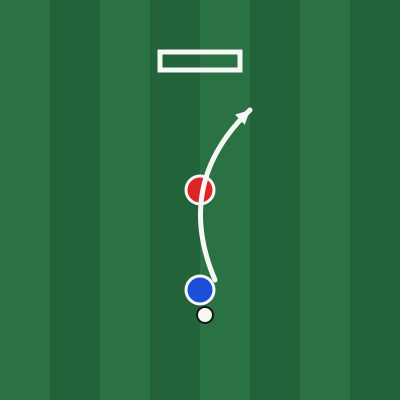
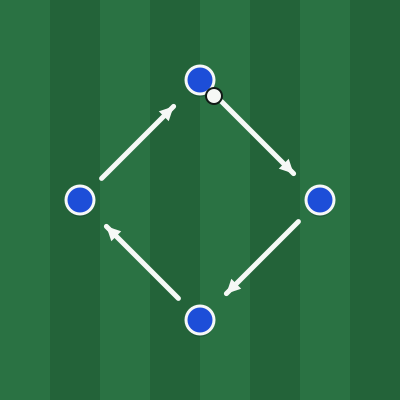
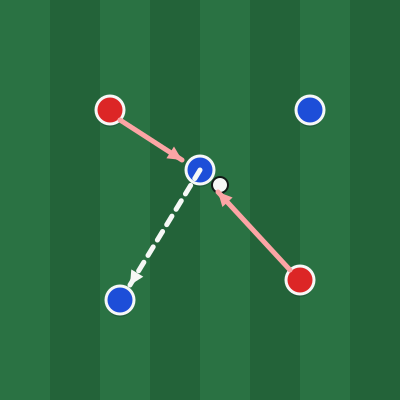
The AI draws the space, places the attackers, defenders, ball, cones and mini goals, and adds the passes, runs and dribbles as numbered arrows, so you can press Play movement and watch the sequence. It also fills in the title, objective, explanation, organisation, rules, coaching points and progressions, plus the players, duration, age groups, didactic strategy, approach, intensity, contents and equipment.
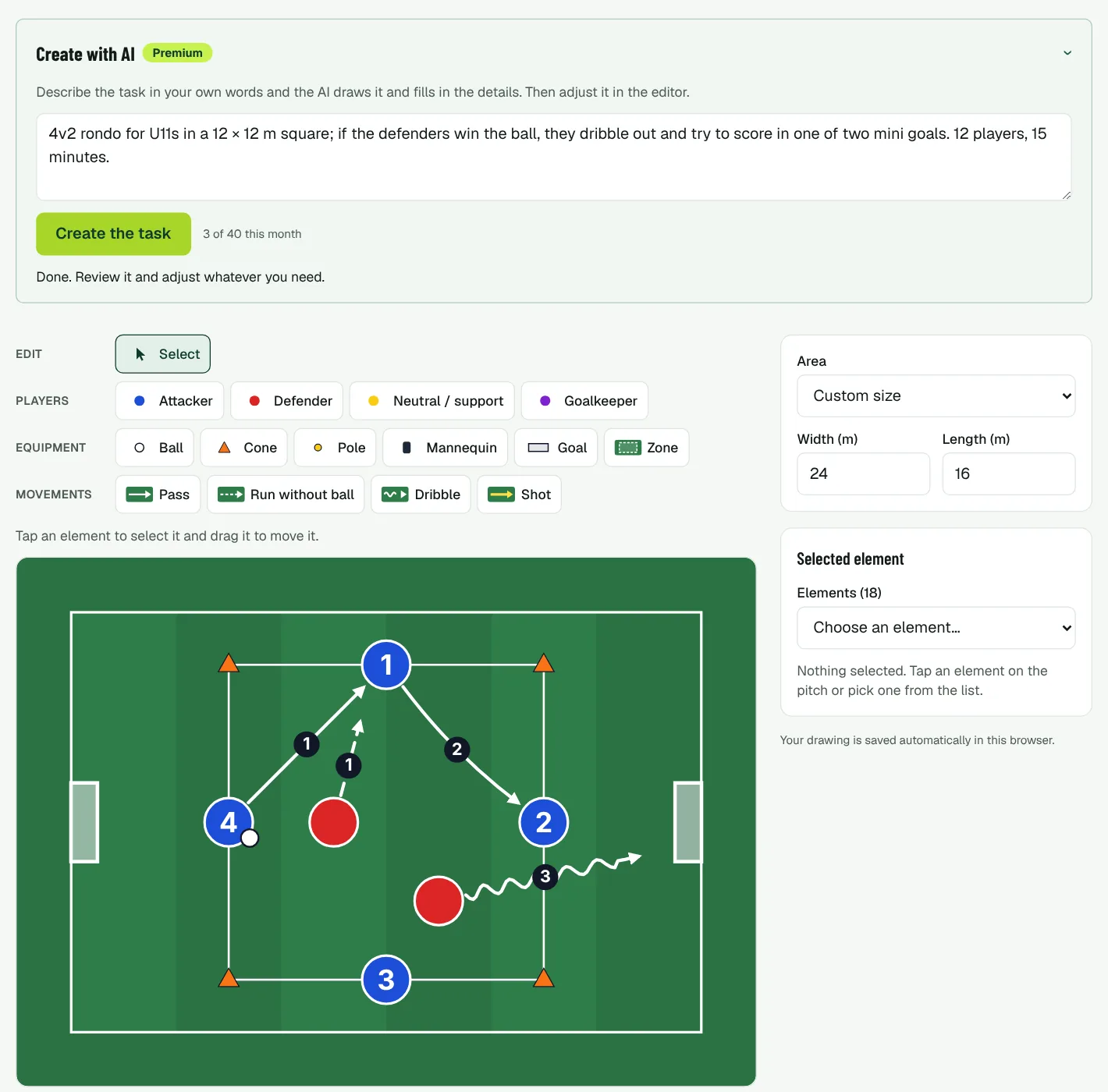
The more concrete you are, the closer it gets: the size of the area, how many players, how points are scored and what you want to correct. A few more ideas to start with: "Heading competition after a sprint around a cone, two teams and a goalkeeper, for U15s", "Waves 3v2 with a finish and a defender who joins from behind, half a pitch" or "Warm-up with the ball for 8-year-olds, one ball each, in the style of a game of tag".
When it is done, you adjust whatever you need in the editor and save the task to your account with Save to my account. You can also download the task sheet, add it to a session as your own task or send it to RondoMap for the library.
Plan a session with AI
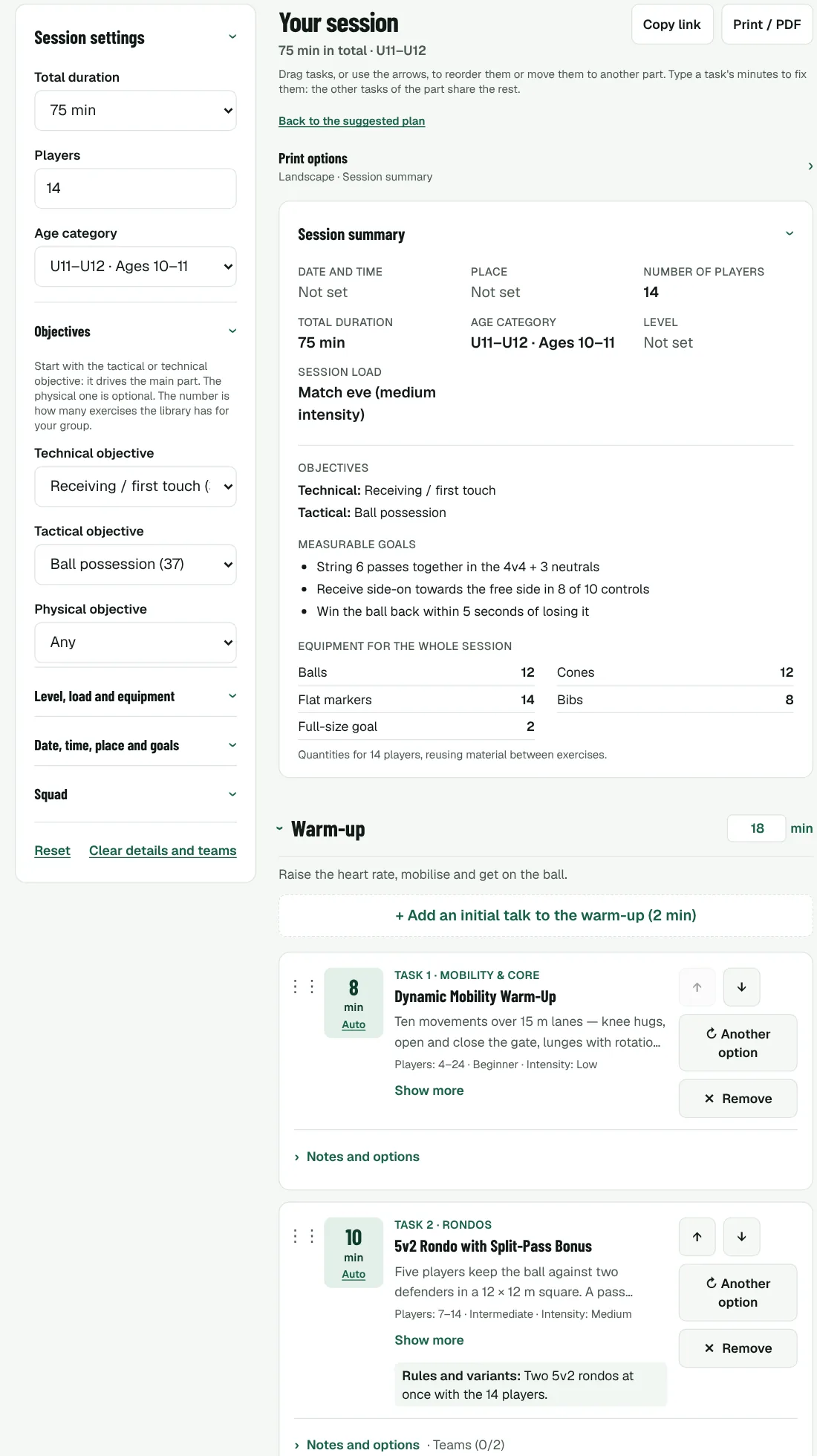
In the session planner, the Plan with AI box works the same way. Describe your group, how long you have and what is worrying you. For example: "75 minutes for 14 U11 players, we struggle to keep the ball under pressure, match on Saturday."
The AI chooses tasks from the library that fit the number of players and the age group, and builds a warm-up, a main part going from simpler to more complex, usually ending with a game, and a short cool-down. It gives each task realistic minutes, sets the session's objectives and load (here, the day before a match), proposes up to three measurable goals, such as "win the ball back within 5 seconds in 6 of 10 losses", and adds a note when a task needs adapting to your group.
Other examples: "60 minutes for 10 U9s, they are just starting and get bored quickly, lots of games", "90 minutes for 18 U15s after a heavy match, recovery session" or "Pressing after losing the ball, 16 U13s, 80 minutes".
The session opens in the planner as if you had made it yourself: you swap, add or reorder tasks, mark attendance to build the teams, print it on A4 for the pitch and save it to your account to find it again next week.
Everything saved to your account
With an account you sign in with your email and password, and the tasks you draw and the sessions you plan are saved there, with or without AI. They no longer depend on a single browser: you prepare the session at home on your computer and open it on your phone at the pitch.
The AI tools are part of premium. Your account page shows your plan and how many AI generations you have used this month.
What the AI does and does not do
The AI follows the same rules as the tasks on this website: sizes in metres, real numbers of players, content that fits the age group, and Spanish or English football vocabulary depending on the language you write in. In the planner it only uses tasks from the library, so every task in your session has its own page with a diagram and explanation.
Even so, it is a starting point, not the final word. Read what it proposes as you would read a task from a colleague: check that the space and the number of players match your group, and change whatever you would do differently. It usually saves you most of the work, and the coaching decisions are still yours.
Want to try it? Ask for a trial
There is no sign-up form: I create every account by hand and activate premium myself. If you want to try the AI tools with your own team, write to info@rondomap.com or use the suggestion box with the email you want to use, the category you coach and how many players you have. I will reply with your account and premium activated so you can prepare your next sessions with it.
And when you have tried it, tell me what worked and what did not. That feedback is what decides what improves next.