Football training session plan template: what to include, and a free one to print
By Marco Baleato · · About the author
A session plan on paper does two jobs. Before training, it forces you to decide what you want to work on and how. On the pitch, it lets you or your assistant run the session without improvising, and afterwards it is a record of what the team has done.
It does not need to be long. It needs to answer the questions you will have on the pitch: what comes next, how many minutes, where the cones go and what to correct.
The header: the session at a glance
Date, time and place. Age group and number of players, because the tasks depend on them. One to three objectives, and if you can measure one, write how: for example, keep 8 of 10 throw-ins.
The total equipment: balls, cones, bibs, mini-goals. Counted once for the whole session, so you know what to take before you leave home.
Each task: what you need on the pitch
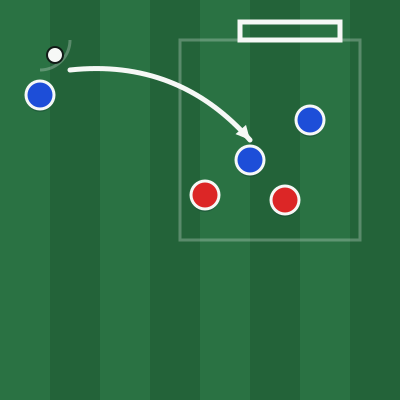
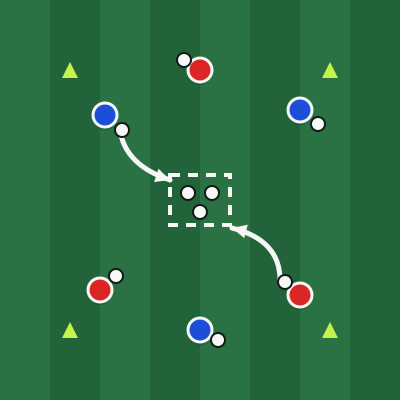
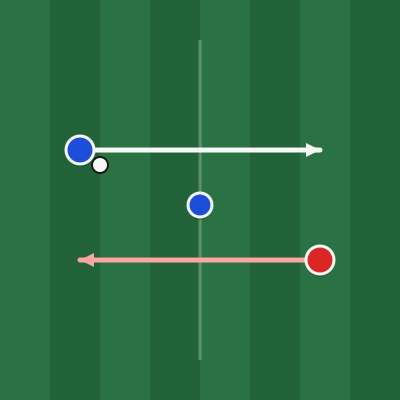
A diagram. One picture with the players, the ball and the movements explains more than a paragraph, and it is what an assistant looks at first.
The organisation: size of the area, how many players and where they start. The rules and how points are scored. The minutes, including rest. Two or three coaching points, no more: the ones you are really going to correct. And the teams, if you have already made them.
Mistakes that make a plan useless
Too many objectives: if a session works on everything, it works on nothing. Choose one main objective and let the tasks follow it.
Minutes that do not add up: a 75-minute session with 95 minutes of tasks means you will cut the final match, which is usually what the players enjoy most.
Tasks for the wrong number of players: if a task is for 12 and 15 turn up, decide beforehand what the other three will do, as neutrals or rotating in.
No progression: tasks with no link between them. A good session goes from simple to complex, and the final match should reward what you have trained.
A free template that fills itself in
RondoMap's session planner is a template that does the work for you. Choose the duration, the number of players, the age group, the objectives and the equipment you have, and it proposes a complete session with tasks from the library and the minutes already distributed. The total equipment is calculated for your number of players.
You can then swap any task, change the minutes, add notes and assign players to teams. The Copy link button saves the whole session in a link that opens on any device.
Print it or save it as a PDF
The Print / PDF button prepares A4 sheets, landscape or portrait: the summary on the first page and up to four tasks per page, each with its diagram, set-up, coaching points and teams. To have it on your phone, choose Save as PDF in the print dialog.
If one of your tasks is not in the library, draw it in the task creator: place players, cones and goals, draw the movements and download the task sheet as an image, ready to share with your staff.